



Insights
Capabilities
Conferences

Get more from your Summit experience
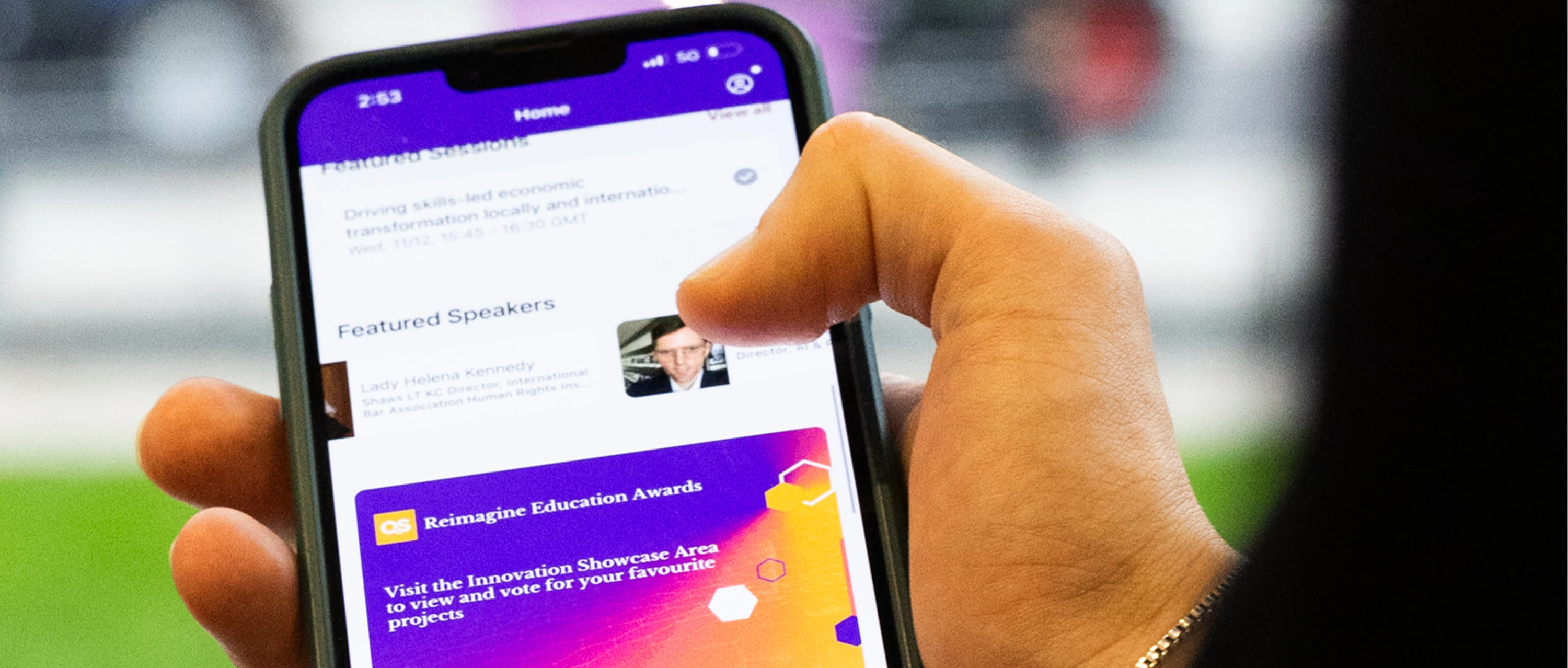
The QS Summits app is designed to help you navigate the event, connect with attendees, and capture valuable insights throughout your experience.
Download the app now - available for iOS and Android.
Download the app now - available for iOS and Android.
Your guide to the QS Summits app
Learn how to get started, personalise your experience and unlock all the features designed to help you connect, plan and engage at the next QS Summit.
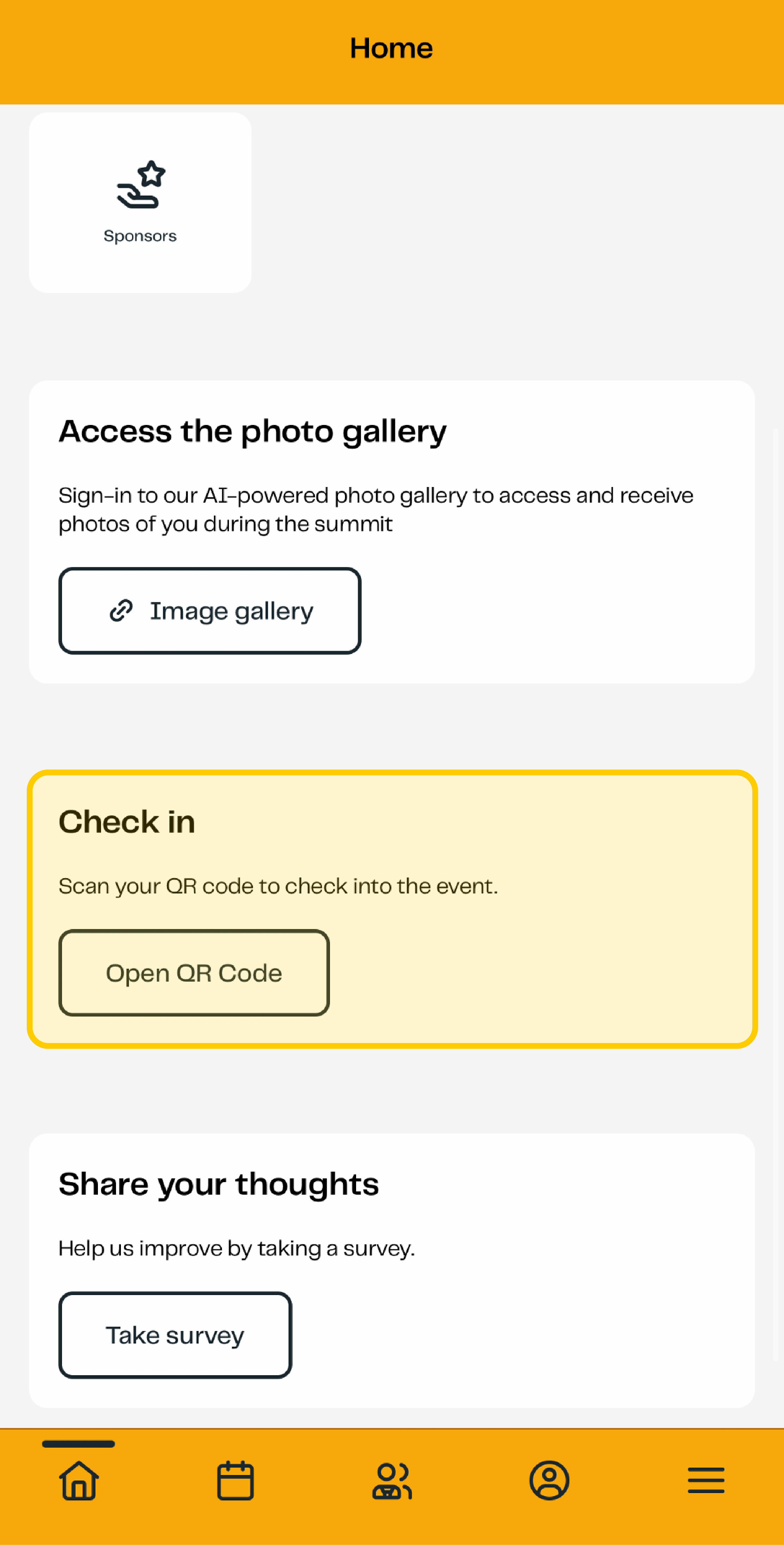
Check in and print your badge
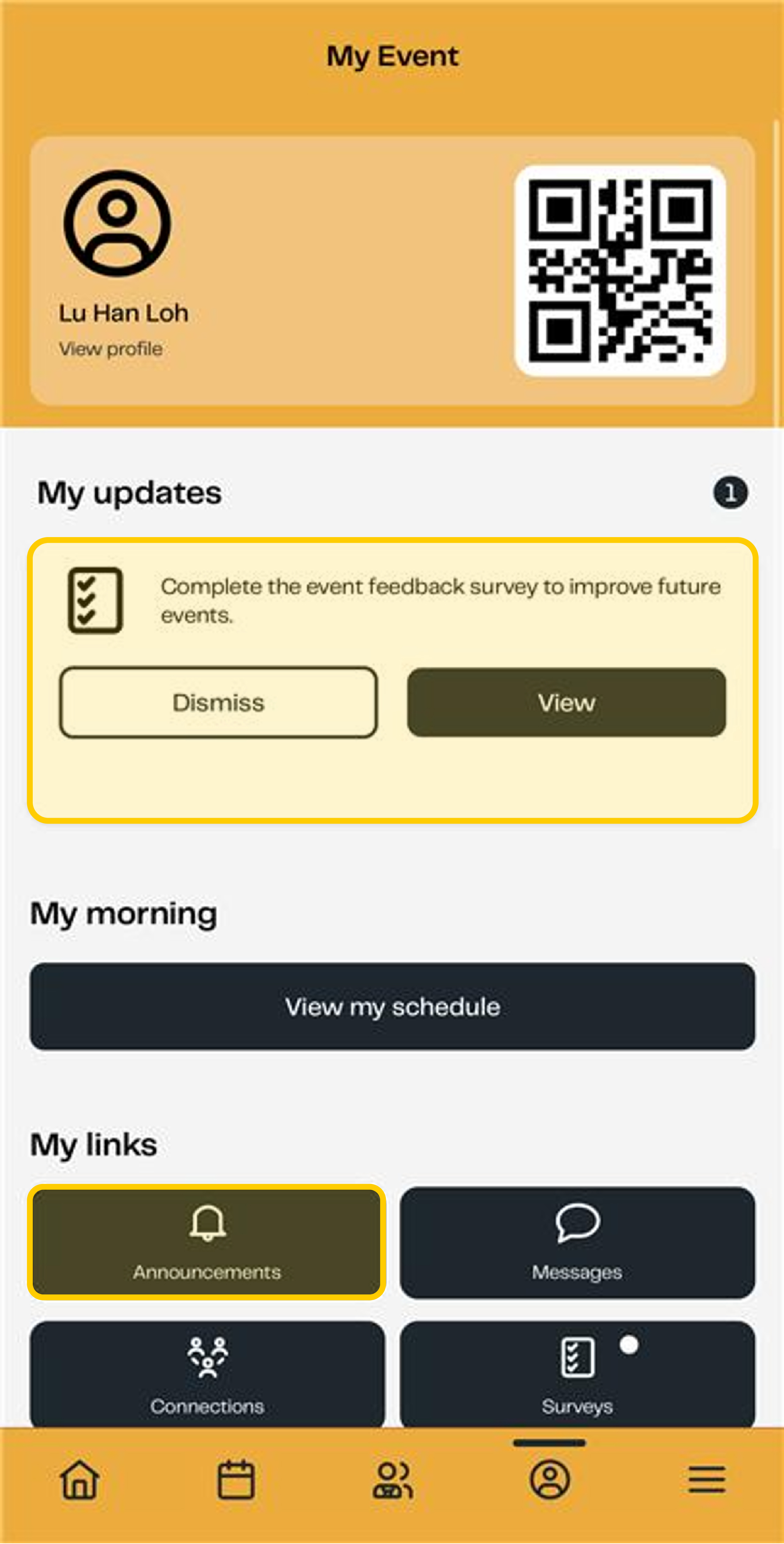
Before arriving at the event, log in to the app and locate your personal QR code.
When you arrive, simply scan your QR code at theregistration area to check in and print your event badge quickly and easily.
Make yourself visible
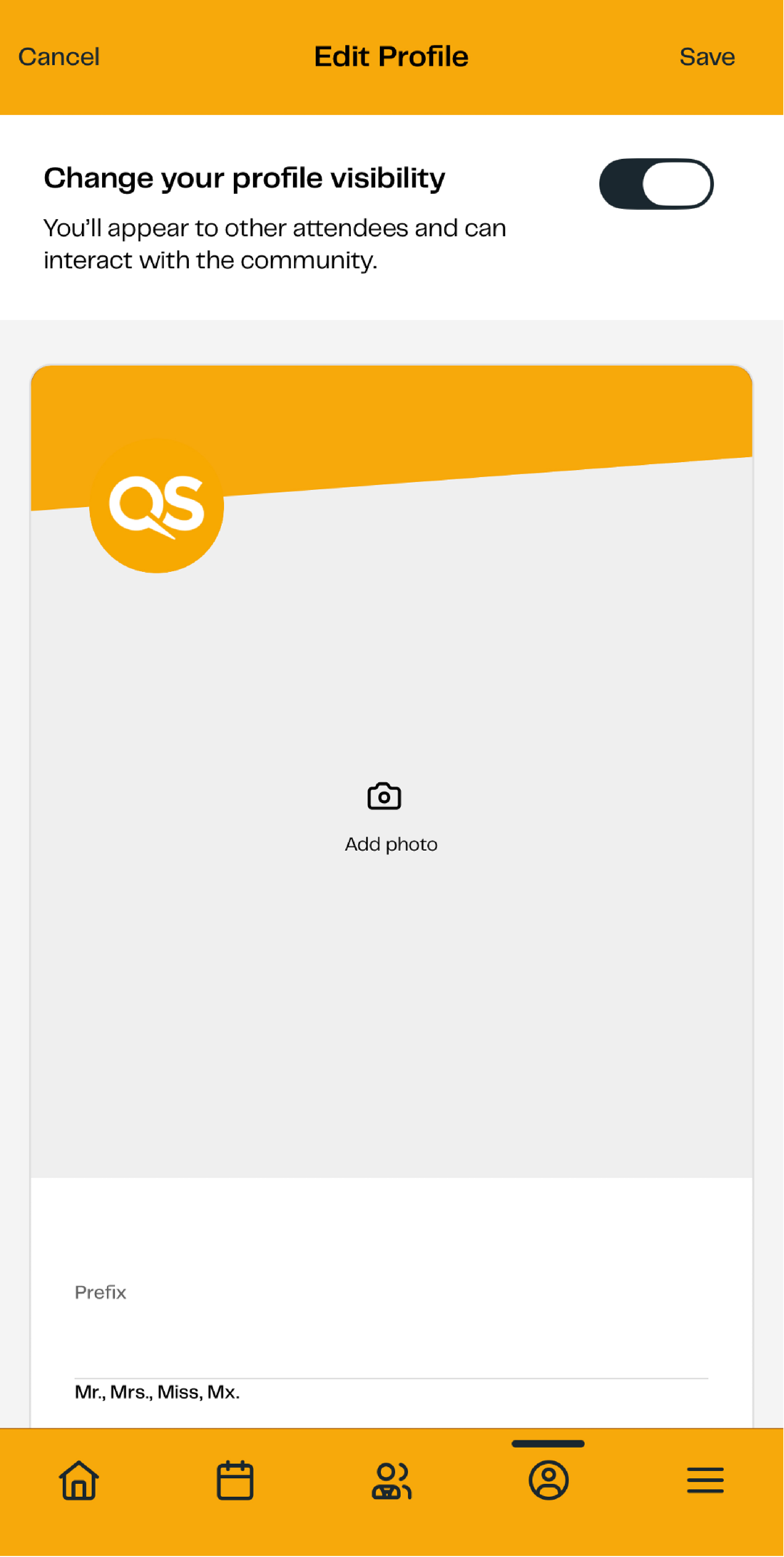
To ensure other attendees can find and connect with you, you will need to make your profile visible after logging in for the first time.
To do this:
- Open your profile in the app.
- Turn on “Change your profile visibility”.
- Save your settings.
Once enabled, your profile will appear in the attendee directory, making it easier for other delegates, speakers and exhibitors to connect with you.
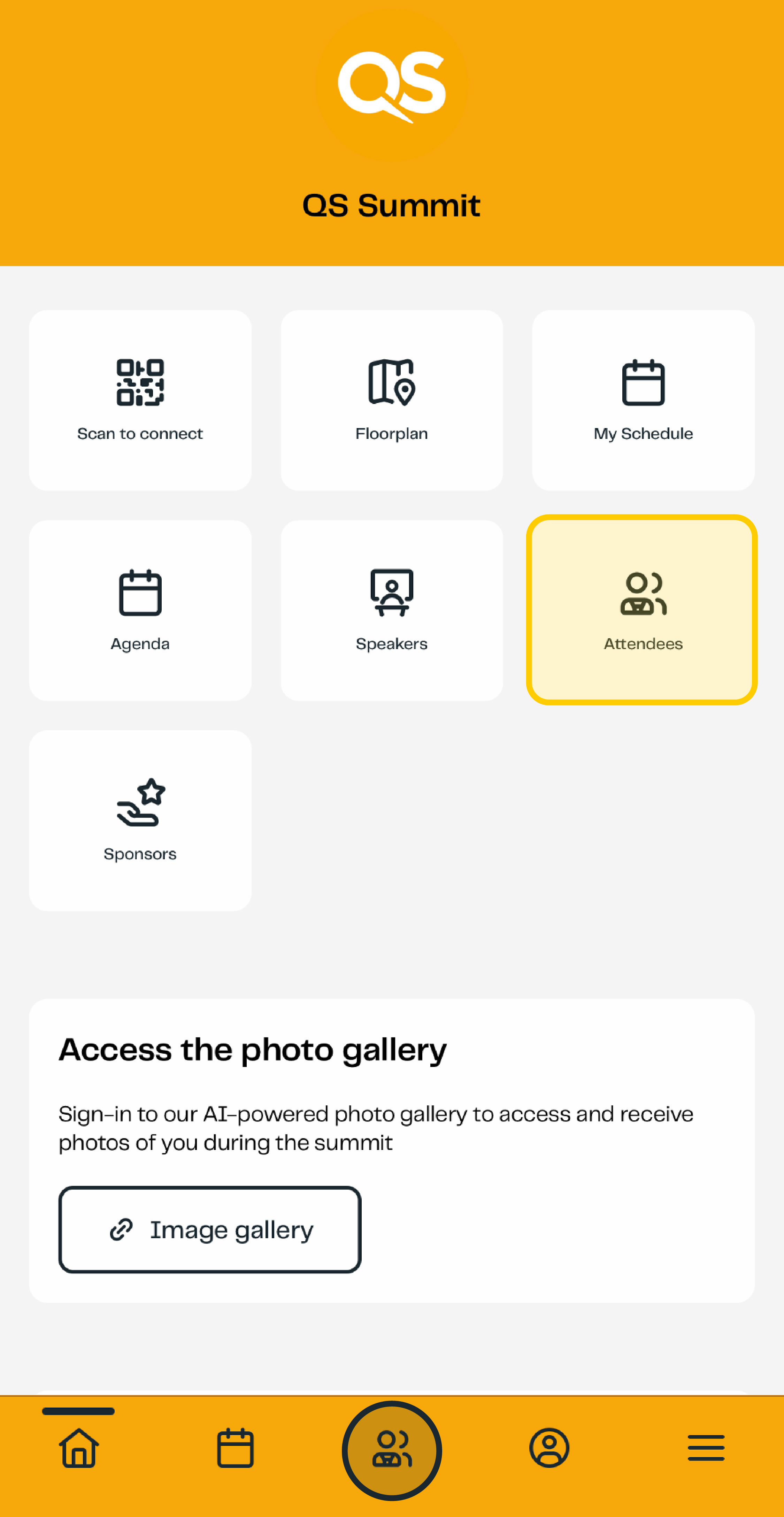
Connect with attendees
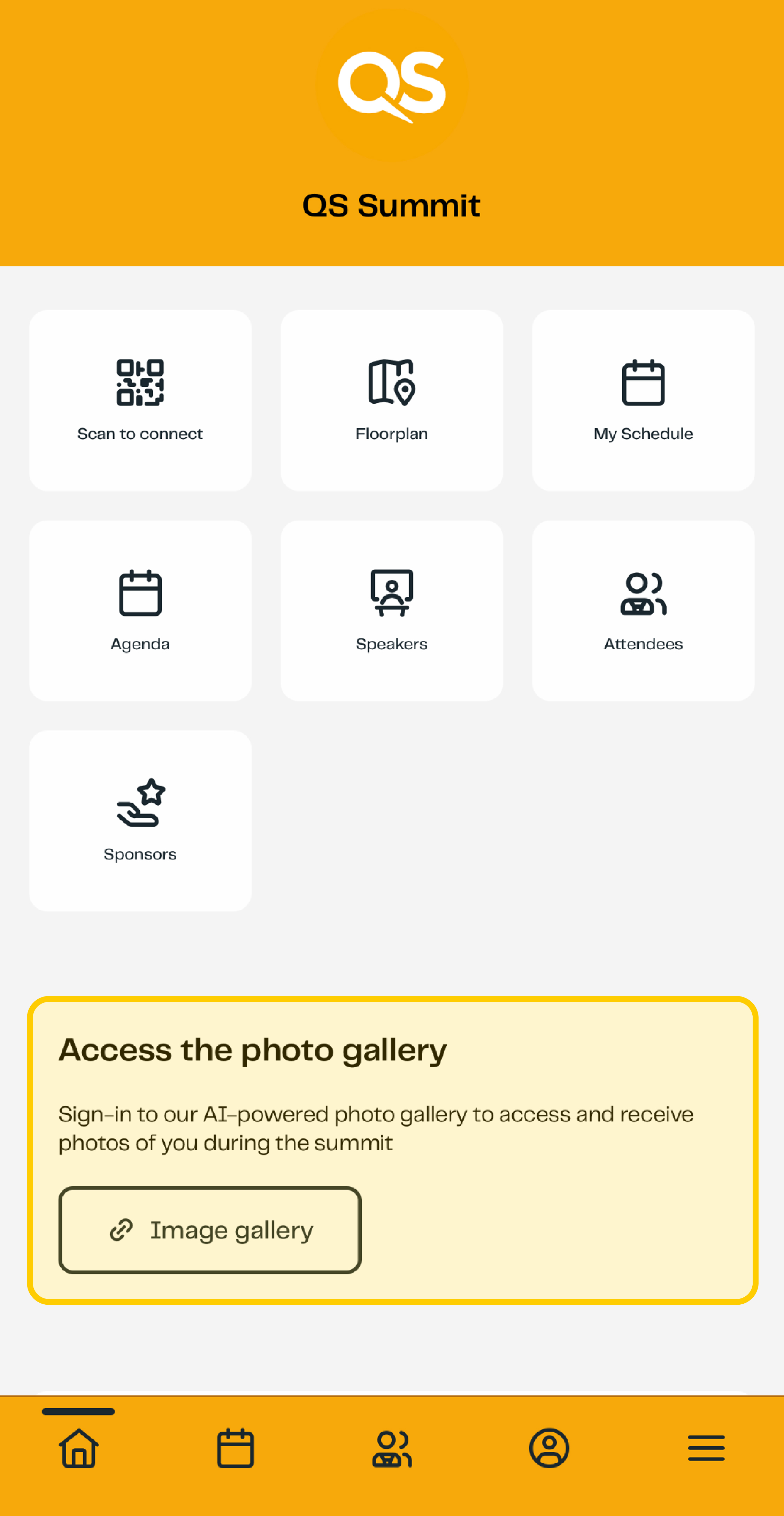
Use the attendee directory to discover and connect with fellow participants.
You can search for delegates, speakers and QS team members, view their profiles and start conversations directly through the app.
Plan your schedule
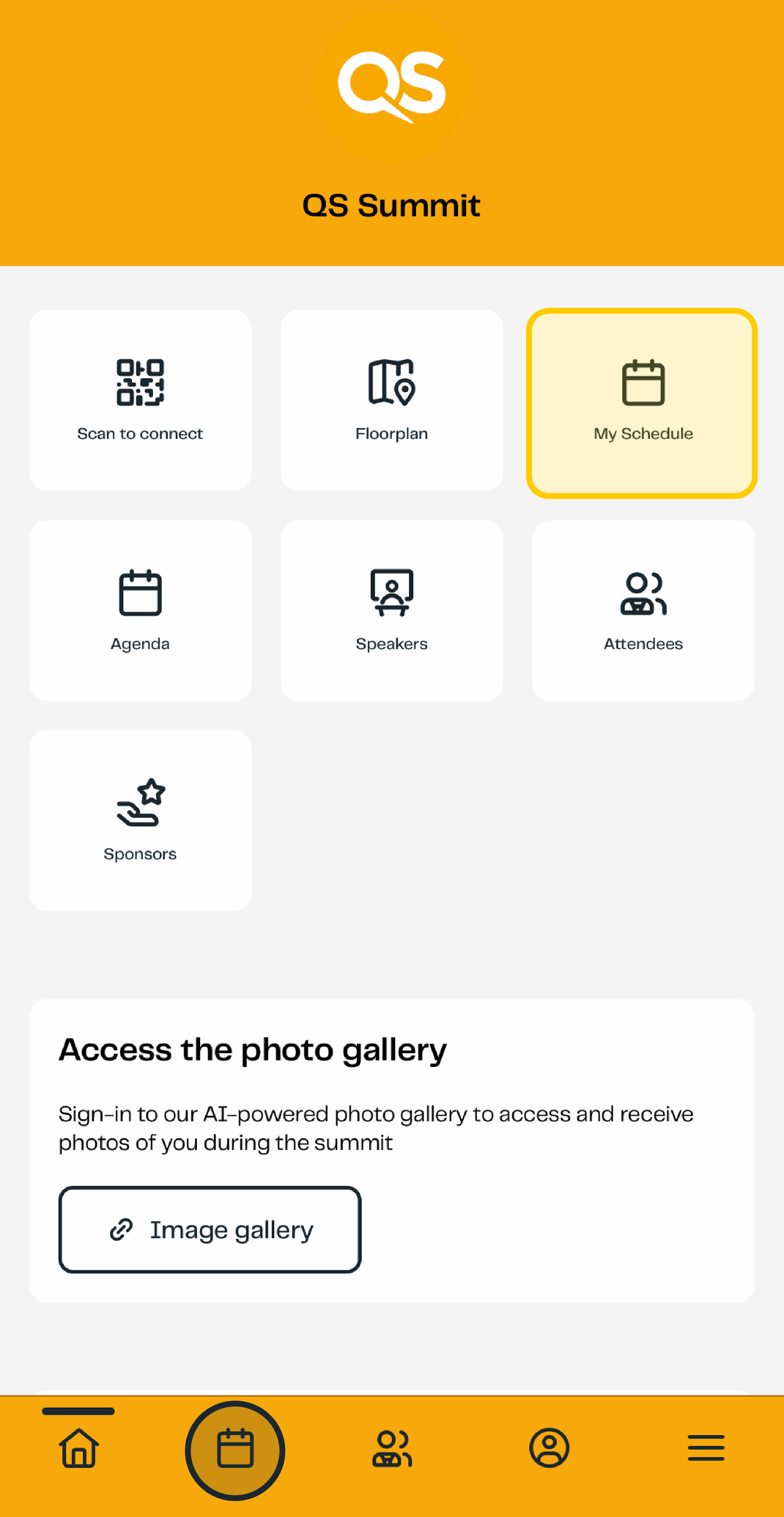
Browse the full event agenda before and during the event.
To create your personalised schedule:
- Open the Agenda section.
- Browse available sessions.
- Select sessions you would like to attend.
- Add them to your personal agenda.
Your saved sessions will appear in "My Schedule" and will help you keep track of your event plans throughout the day.
Find your way around
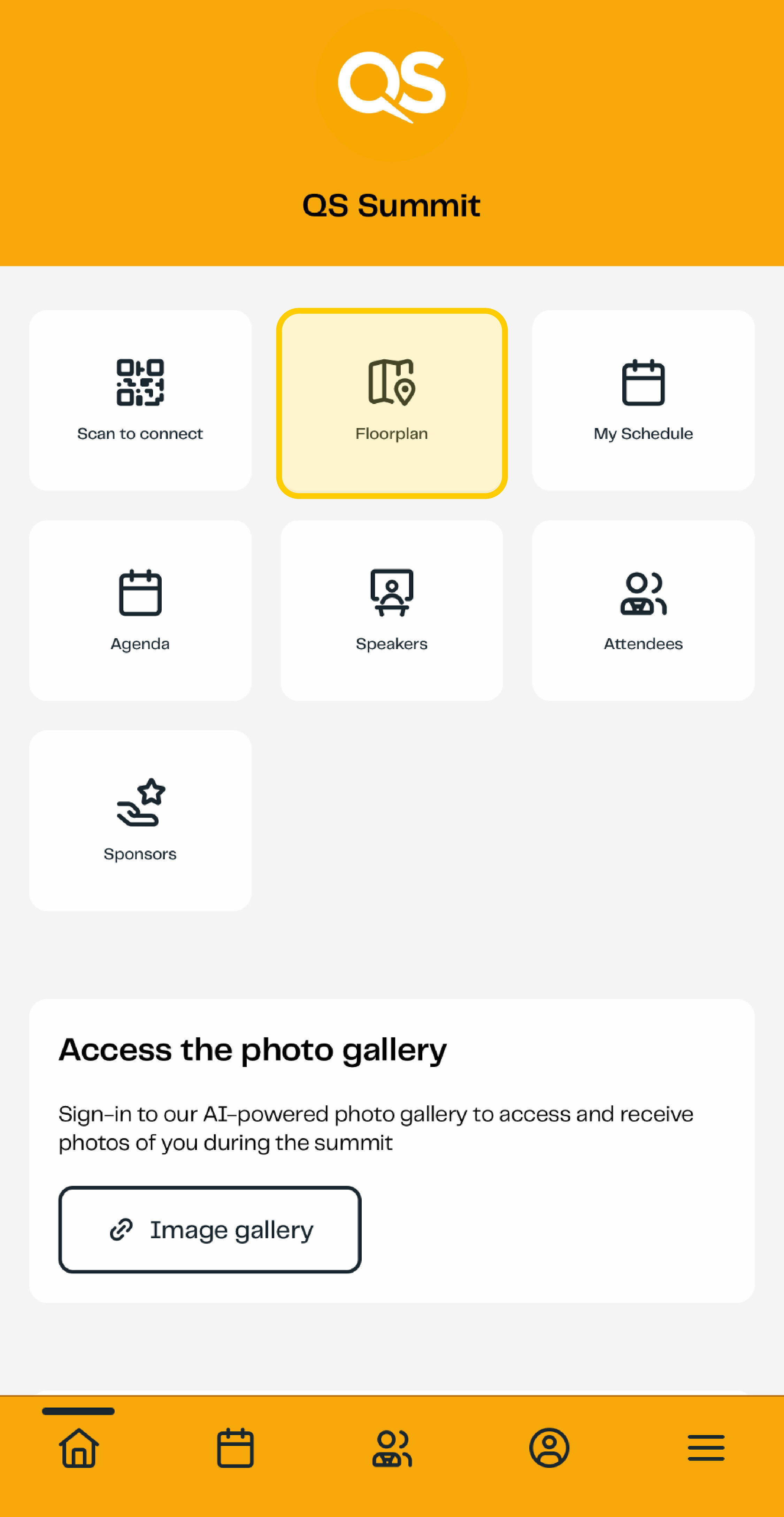
Use the interactive floorplan to navigate the venue.
The floorplan allows you to quickly locate:
- Session rooms
- Exhibition booths
- Networking areas
- Key event facilities
Networking – Scan to connect
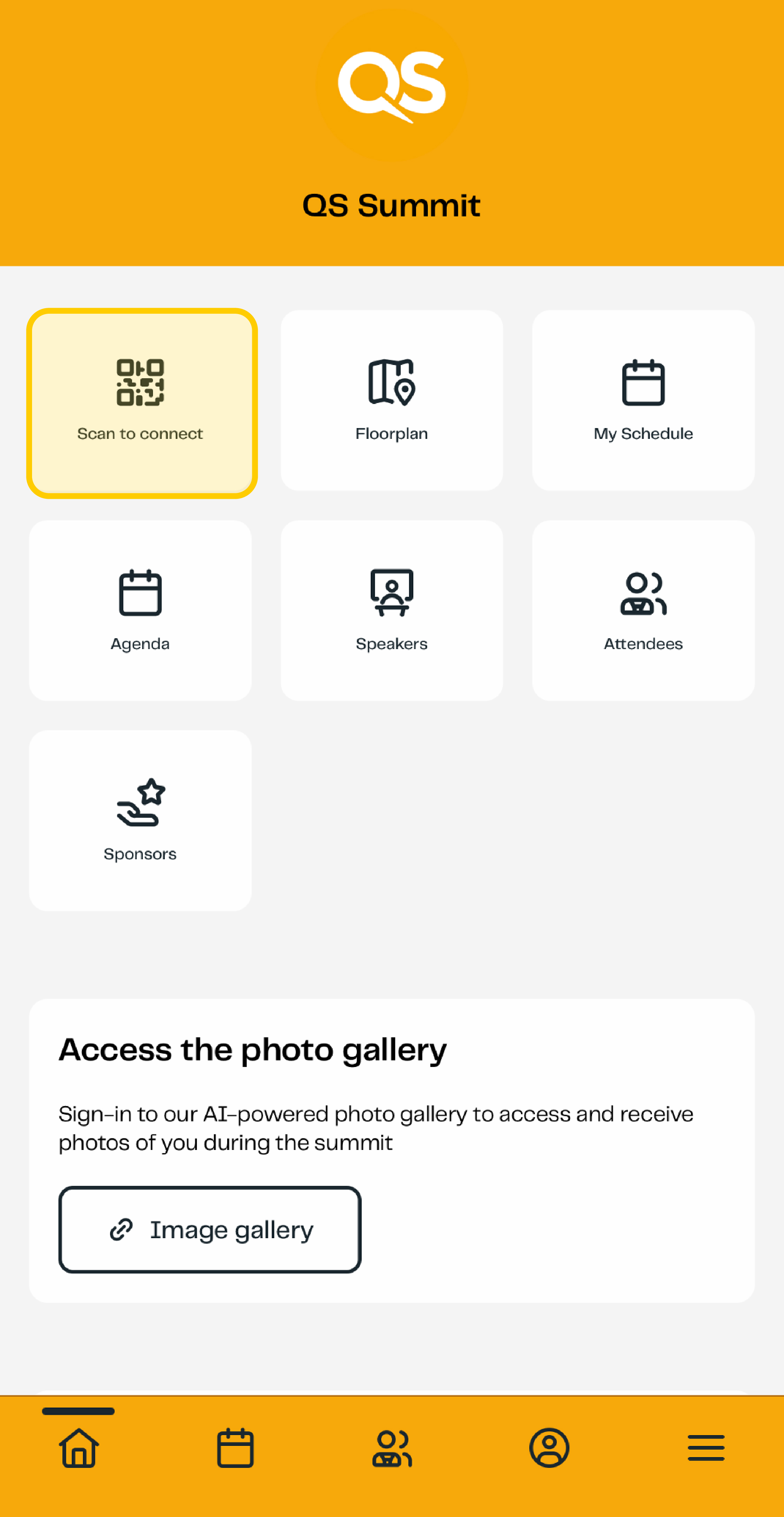
When meeting other attendees onsite, use the app's scanning feature to exchange contact information.
Simply scan the QR code on another attendee's badge to:
- Exchange digital business cards
- Add them to your connections
- Build your event network instantly
Capture session highlights
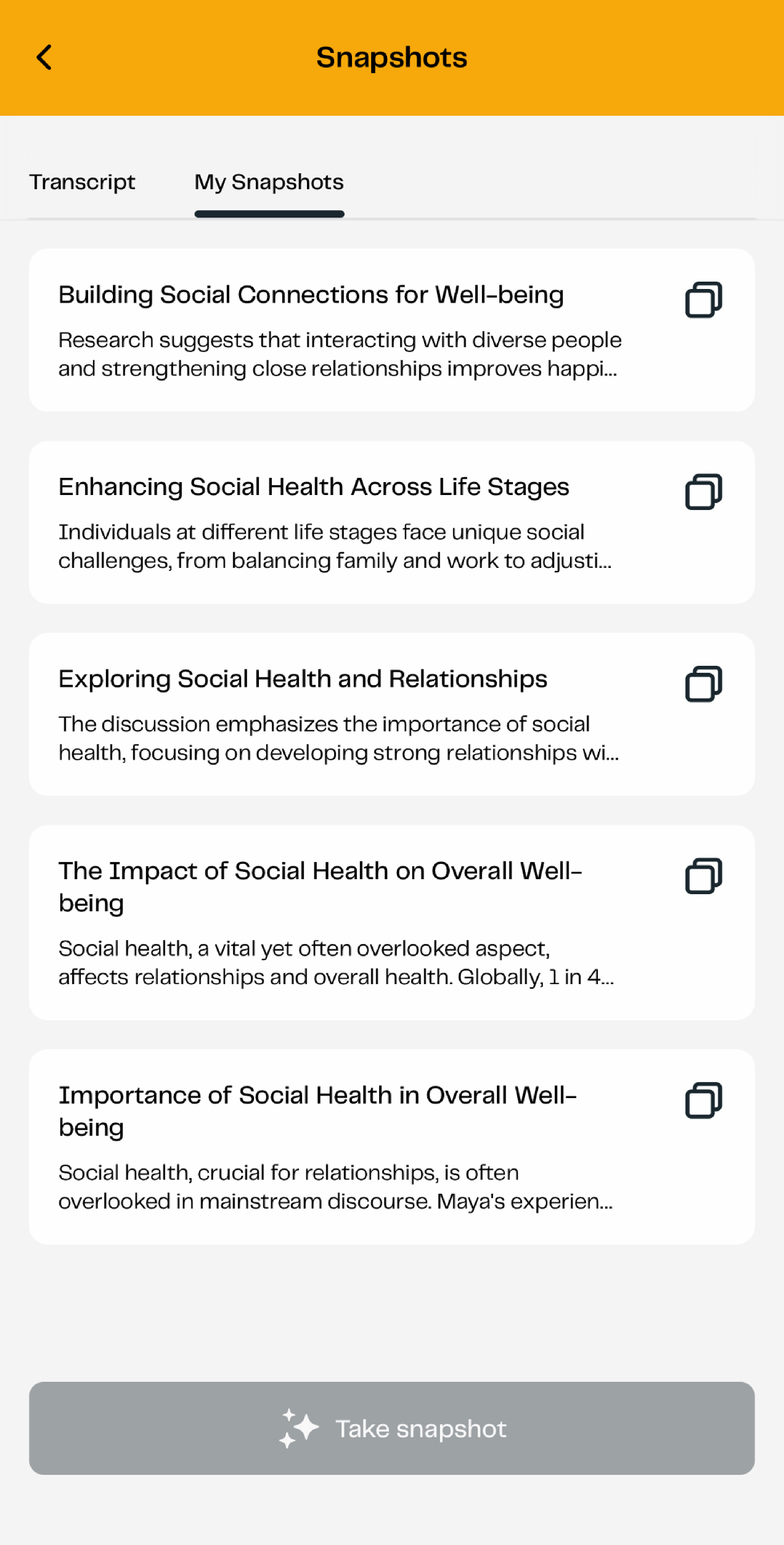
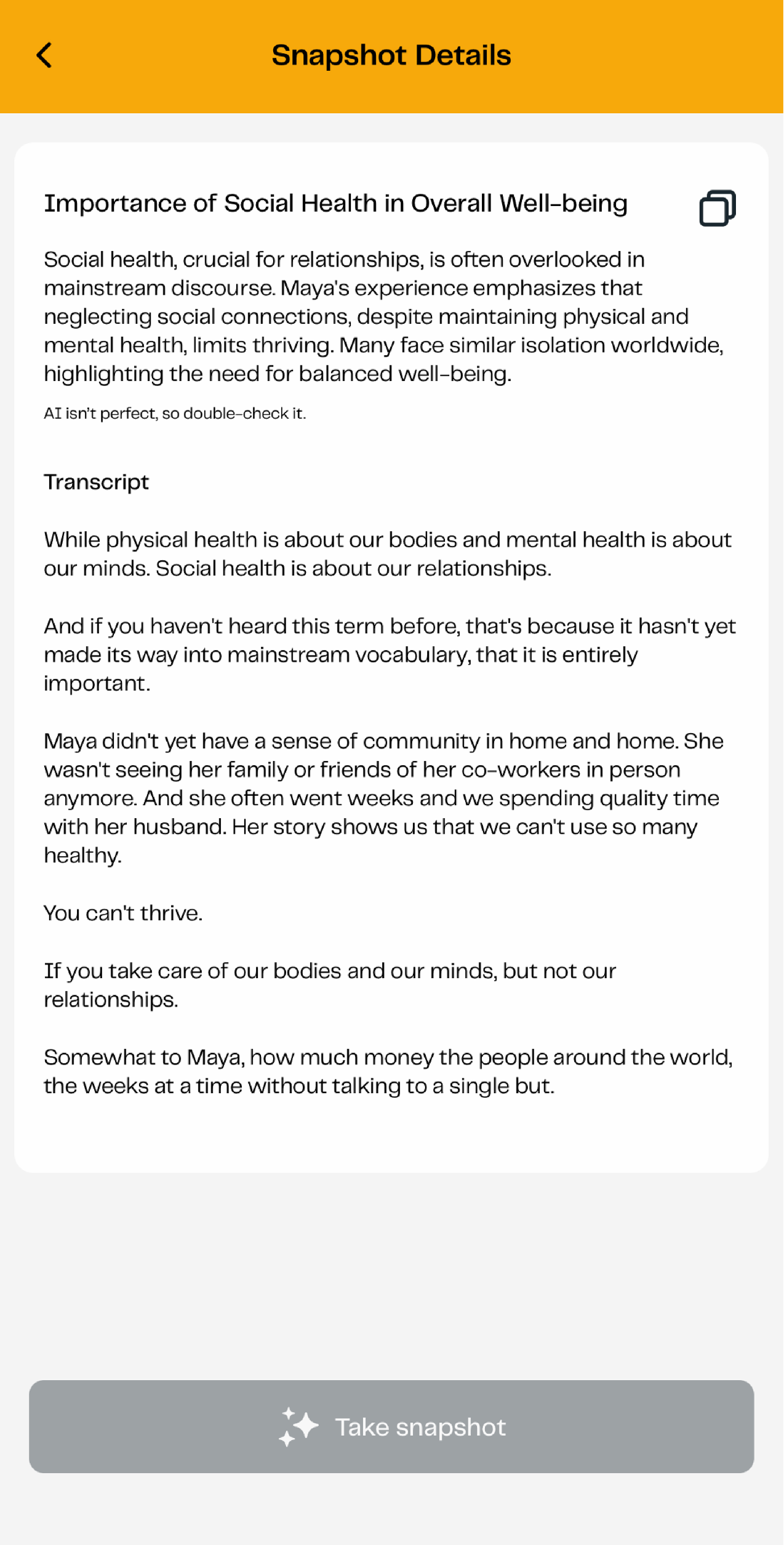
Use Session Snapshot to save important content during presentations and discussions.
With Session Snapshot, you can:
- Capture screenshots of key slides and content
- Save important transcript excerpts
- Add personal notes with a single tap
- Review your saved content later
- Access AI-generated session summaries
This makes it easy to revisit key learnings after the event.
Access the event photo gallery
To view event photography, sign up for or log in to the event photo gallery platform before the event.
Once photos are uploaded during or after the event, you can access them directly through the app.
Stay updated
Enable push notifications to receive important event information in real time.
The app will keep you informed with:
- Event announcements
- Session reminders
- Schedule updates
- Important event notifications
Be sure to allow push notifications so you never miss an important update.